Introduction: Why move to digital archiving?
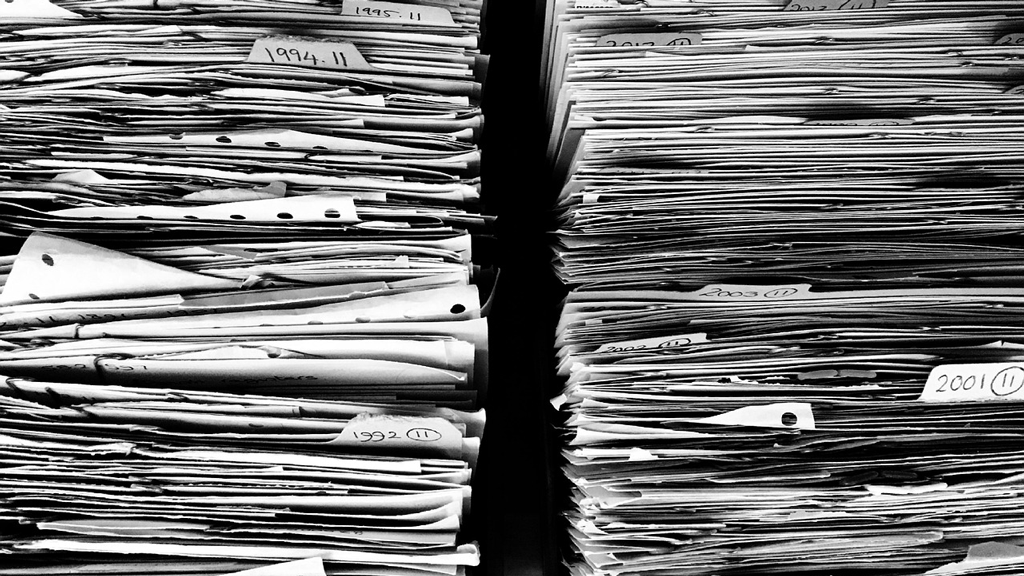
With paper documents piling up, files scattered across several folders and emails impossible to find, document management can quickly become a headache.
However, setting up a structured digital archive is a way of improving efficiency, security and peace of mind. Here are the best practices to adopt if you want to make the transition to all-digital records with peace of mind.
Step 1 – Scan your documents correctly
The first step is to transform your paper documents into readable, usable digital files.
- Choose the right formats. PDF remains the most stable format for administrative documents, while JPEG or PNG are suitable for simple supporting documents.
- Ensure good scan quality. A resolution of 300 dpi is sufficient to maintain legibility and allow automatic recognition of texts by OCR or AI Artificial Intelligence.
- Put your scans away as soon as you create them. Avoid letting them pile up on your digital desktop.
💡 Mistake to avoid: scanning documents en masse without naming them or filing them immediately. You risk creating a new “pile of digital paper” that’s difficult to use.
Step 2 – Classify and name intelligently
Good filing is the key to successful archiving. The aim: to find any document in a matter of seconds.
- Adopt a simple, consistent logic.
Classify your documents according to a clear structure – for example, a folder by year, then by type of document (invoices, statements, customers, suppliers, etc.). - Apply a consistent naming convention.
Each file must include the date, the name of the issuer and the nature of the document.
Example: 2025-03_EDF_Facture.pdf or 2025-04_ClientDupont_Facture.pdf. - Avoid titles that are too long or obscure abbreviations.
- Structure your files by date, type and type of document.
- Impose a common rule if several people manage the files
💡 Mistake to avoid: changing the folder structure along the way. A consistent method from the outset facilitates research and collaboration.
→ These are the essential points of a good corporate EDM: clear, coherent filing that is shared by everyone, guaranteeing efficient and sustainable document management.
Step 3 – Securing and backing up your archives
Digital archiving only makes sense if it is reliable and long-lasting.
Your documents must remain accessible, even in the event of a breakdown or change of hardware.
- Multiply your backups. Combine a local backup (external disk) and a remote backup (secure cloud).
- Protect access. Strong passwords, two-factor authentication and user rights management.
- Check RGPD compliance. Data containing personal information must be stored securely and traceably.
💡 Mistake to avoid: keeping everything on a single hard drive or a simple unencrypted personal cloud. In the event of hacking or a breakdown, the loss could be permanent.
→ This is a central pillar of document management: reliable backups and secure access guarantee continuity and confidence over time.
Step 4 – Automate with an EDM (Electronic Document Management) system
Electronic Document Management (EDM) makes day-to-day archiving simpler and more reliable.
It automatically centralises, classifies, retrieves and shares documents.
With a solution like Azopio, your invoices, statements and supporting documents are :
- automatically imported from your email inbox, photos, pdf documents
- recognised thanks to automatic reading,
- filed in the correct folders without manual intervention,
- accessible at any time, from any device,
- can be shared with your internal collaborators(sent to colleaguesfor validation ) or external collaborators (accounting firms)
💡 Key benefit: you eliminate the risk of forgetting, misfiling or duplicating documents, while saving precious time on administrative management.
No more time spent naming your documents manually, no more tedious searches, and no more physical trips back and forth to validate invoices!
→ This is the step that makes the difference: automation transforms the rigour of filing into a real productivity lever.
Bonus – Legal retention periods
Digital archiving must also comply with legal retention obligations.
Here are a few points of reference:
| Type of document | Minimum shelf life |
| Customer and supplier invoices | 10 years |
| Banking documents | 5 years |
| Pay slips (employer’s copy) | 5 years |
| Accounting records (journals, general ledger) | 10 years |
Did you know?
A digital document has the same legal value as a paper document, provided that it is authentic, legible and stored in conditions that guarantee its integrity.
Conclusion
Switching to digital archiving is much more than just a question of space.
It’s a structuring process that :
- saves time,
- reduces the risk of loss or error,
- ensures legal compliance,
- and improve collaboration within the company.
By adopting the right reflexes today – or by entrusting management to a platform like Azopio – you are taking a decisive step towards modern, simple and secure document management.
To find out more, discover Azopio’s EDM and electronic invoicing solution.
FAQ – Everything you need to know about digital archiving
What is digital archiving?
Digital archiving involves storing, filing and securing documents in electronic format rather than on paper.
The aim is to guarantee their accessibility, integrity and legal value over time, while simplifying day-to-day management.
What is the difference between digitisation and digital archiving?
Digitisation simply involves scanning a paper document to obtain it in electronic format.
Digital archiving, on the other hand, goes further: it involves the organisation, classification and secure storage of files according to precise rules (formats, legal periods, back-ups, etc.).
How do you choose the right EDM solution for your business?
A good EDM solution must offer :
- automatic document filing,
- intelligent recognition (AI/OCR) to make searching easier,
- RGPD-compliant secure storage,
- and a simple interface for easy collaboration.
→ Platforms such as Azopio meet these criteria by automating the import, filing and storage of accounting and administrative documents.